DocsFrontend
Hawkeye
Your site in phone, tablet and desktop frames side by side, kept in step; target any component to see its code and its data.
Hawkeye shows your site in a frame per device, side by side, and tells you what each part is made of: the code that draws it and the data it shows. It’s in the admin, while you develop.
Hawkeye is a commercial plugin. It comes with a business licence, on every server it covers. It isn't part of the free, non-commercial Sluurp, but it can be bought on its own as well.
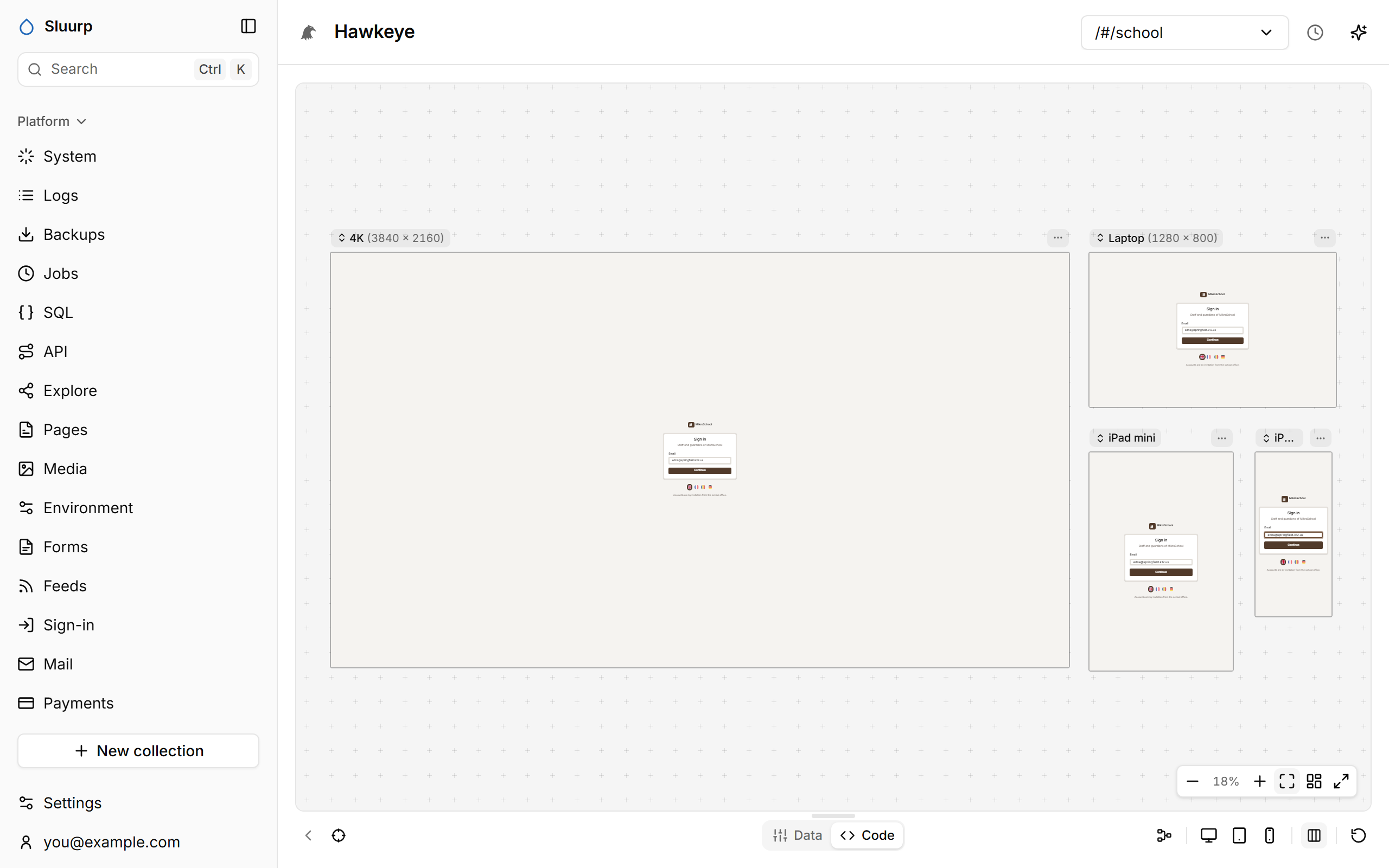
Features include:
- Frames for every device, where a click or a keystroke in one happens in all
- A graph of the page’s components and the data each one reads
- The code and the data behind any part you target
- An editor for the whole app beside the page it draws
Frames kept in step
What you do in one frame happens in all of them: links, clicks, hovers, typing, scrolling. Only the frame you’re working in writes to the server, so a message is sent once.
- Pick a width in the bar below, or Multi for all your devices at once.
- Drag with the middle mouse button to move around; Ctrl and the wheel to zoom.
- The screen menu at the top goes to any page of your site, or to Signed out.
Graph
Graph shows the page as its components, with the data each one reads. Hold a component to see it; hold longer to pin it as a live window you can click, type in and resize.
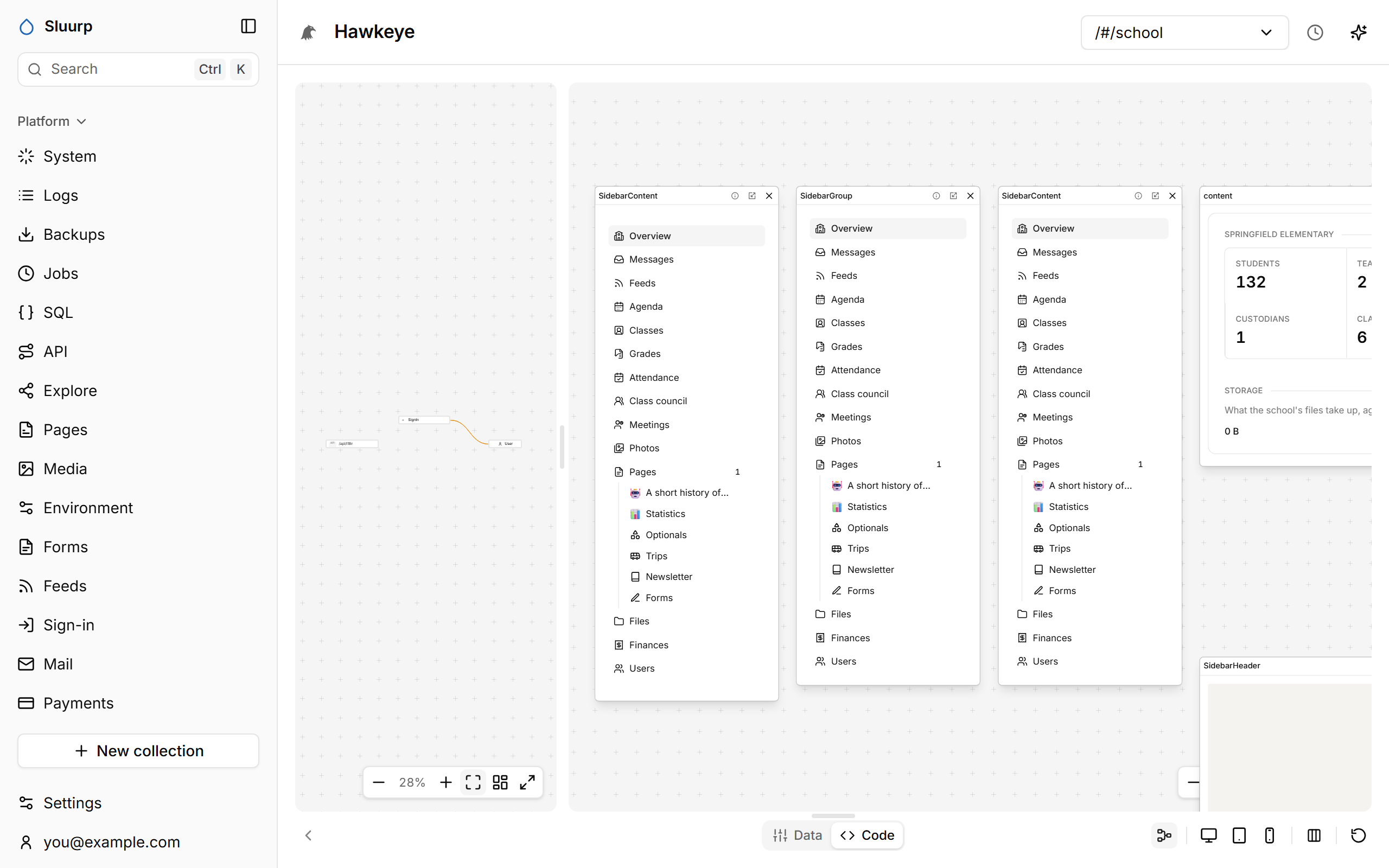
- + unfolds a component, and a double-click shows only its flow.
- The board on the right keeps pins from any page.
- Each page’s graph is kept as you leave it.
Code and Data
Turn on the target button and click a component. The Code tab shows the lines that render it; the Data tab shows the records, API answers and local state it displays. Point at a row and the parts showing it are outlined.
Production pages don’t carry the marks this needs.
Source
The Source tab is an editor for the whole app: its files as a tree on the left, the ones you open as tabs, and the one in front editable. A change is saved a moment after you stop typing, and the page above redraws from it, so you work on the page and its code side by side. When you target a part of the page, its file comes to the front.
It opens every file an app is written in: components and pages (.tsx, .jsx, .md), modules (.ts, .js), styles, JSON and HTML. It can only reach files inside the app, and only while developing.